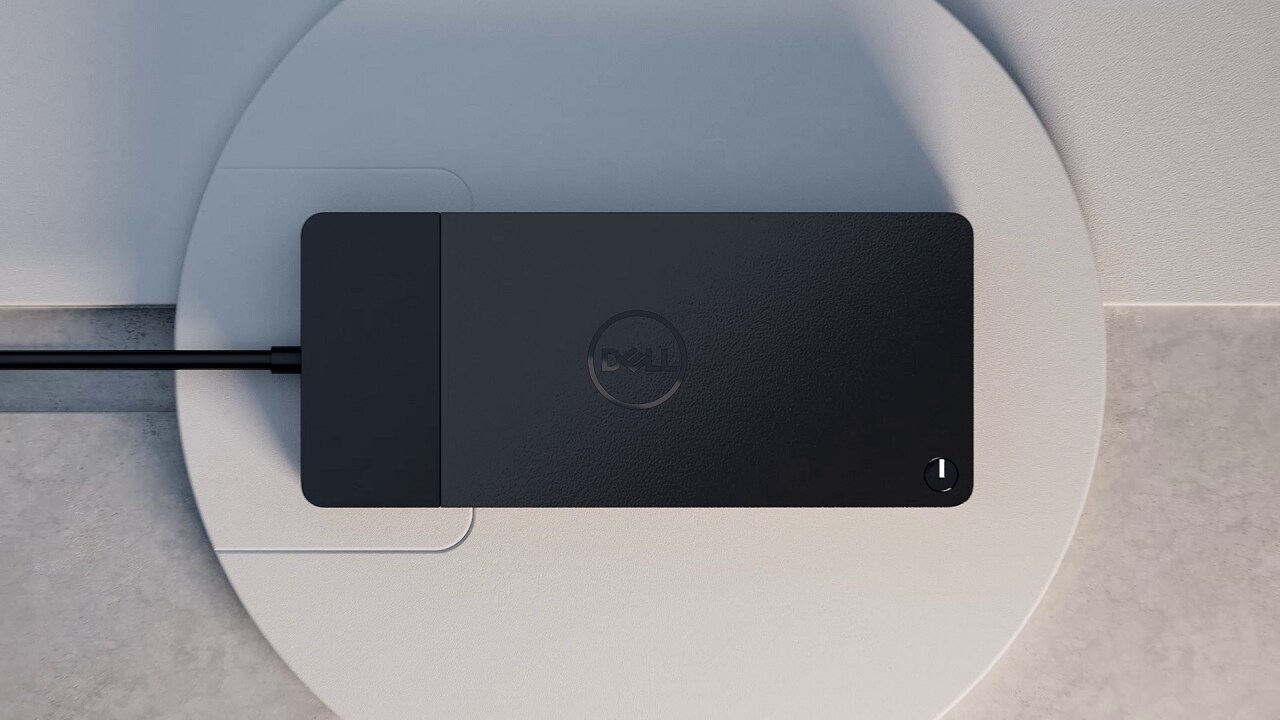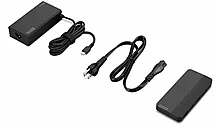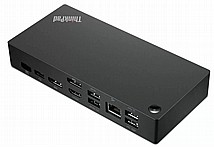
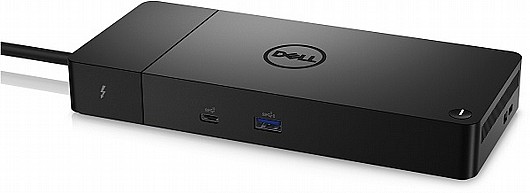
תחנת עגינה Dell Thunderbolt Dock WD22TB4 180W

המוצר לא זמין לרכישה, לחץ כאן למוצרים דומים
תחנת עגינה DELL למחשב
התחנה יכולה לעבוד עם חיבור למחשב ללא חיבור לחשמל
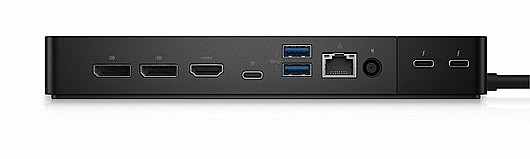
חיבורים HDMI,DP,USB C
  • מקט 1034152
  • אפשרויות משלוח
    אפשרויות משלוח למוצר לבחירה בקופה:
    • משלוח PickUP לנקודות נבחרות באזורך עד 15 ק"ג- 2-5 ימי עסקים 0 ₪
    • משלוח עם שליח 2-5 ימי עסקים 40 ₪
    • איסוף עצמי- בתיאום מראש 0 ₪
    סגירה
  • יצרן  Dell
  • זמן אספקה עד5ימי עסקים
  • אחריות שנה יבואן רשמי 
  • מספר תשלומים  36

מחיר   1,323 ILS 10/7/2027 Out of stock Dell 1034152 1034152

  • +
  • -
Dell Thunderbolt Dock - WD22TB4
ExpressCharge technology

ExpressCharge technology

You'll experience power delivery of up to 130W on Dell devices with ExpressCharge technologyi that enables:

  • 80% charge in one hour​i
  • 35% charge in just 20 minutesi
Easily upgrade to the power of Thunderbolt™ 4

Future-made design

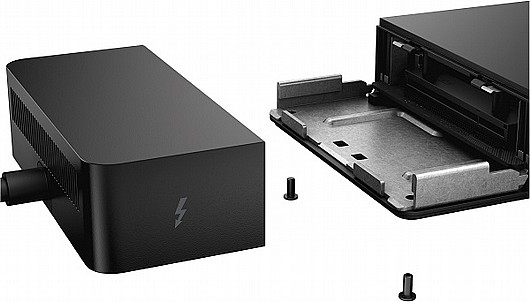
  • Swappable module lets you upgrade with ease to meet the needs of your IT environment.
  • Upgrade to get the latest in connectivity with not one but two Thunderbolt™ 4 ports for even more flexibility.
Multiply productivity

Multiply productivity

Connect displays and peripherals to your system with a single cable for ultimate productivity.
Thunderbolt™ 4 dock with the highest number of portsi connects multiple 4K displays and Thunderbolt peripherals allowing you to not compromise with your work setup. Get the maximum from your peripherals with data transfer of 40 GB/s.

Intelligent and simple management

Intelligent and simple management

Work without disruption: Firmware updates can be completed in five to seven minutes without needing to reboot the system.

Easier for IT: Dell Client Command Suite and Microsoft System Center Configuration Manager offers a smoother firmware update experience. You can also streamline deployment and management with a single firmware.

Easier upgrades: Modularity allows for simple field replacement of the power cable or connectivity module.

Better support: Inventory management got easier since each has its own service tag, allowing IT to push firmware updates only to certain dock.

Secure manageability: Keep your information safe with MAC Address pass-thru and remote port-disablement. Plus, with features like PXE Boot, Wake-on-LAN, and more, it’s easier than ever to stay productive while managing your dock.
Industry standard compatibility

Industry standard compatibility

Dell Thunderbolt™ Dock – WD22TB4 offers wide compatibility across Dell Commercial laptops. It is is also compatible with notebooks from other manufacturers which support industry standards for Thunderbolt™ docking. For functional limitations with notebooks from other manufactures in comparison to Dell Commercial notebooks, please see this support article.

Dell docking compatibility guide
Connectivity Options

Connectivity Options

Ports & Slots:

1. USB-C 3.2 Gen 2
2. USB-A 3.2 Gen 1 with PowerShare
3. DisplayPort 1.4 (2)
4. HDMI 2.0
5. USB-C Multifunction DisplayPort
6. USB-A 3.2 Gen 1 port (2)
7. Gigabit Ethernet RJ45
8. Power In
9. Thunderbolt™ 4 (2)

All of the dock support, none of the hassle.

When you choose Premium Support for docking stations you get 24x7 support for configuration, interoperability, and software support. If needed, get next business day Advanced Exchange Service docking station replacementi.

Advanced Exchange Service

Your dock comes with a 3-year Advanced Exchange Service so that if a replacement becomes necessary, it will be shipped to you the next business day during your 3-year Limited Hardware Warranty.

Accessories

Tech Specs


General
Product Type
Docking station
Width
8.1 in
Depth
3.5 in
Height
1.1 in
Weight
15.87 oz

Video
Max Resolution Details
5120 x 2880 - 60 Hz

Networking
Data Link Protocol
Ethernet, Fast Ethernet, Gigabit Ethernet

Expansion / Connectivity
Interfaces
  • 2 x display / video - DisplayPort - 20 pin DisplayPort
  • 1 x display / video - HDMI - 19 pin HDMI Type A
  • 1 x USB-C / DisplayPort
  • 3 x USB 3.2 Gen 1 - 9 pin USB Type A
  • 2 x USB-C 3.2 Gen 2
  • 1 x network - Ethernet 1000 - RJ-45

Miscellaneous
Features
Security lock slot (cable lock sold separately)
Security Slot Type
Noble Wedge security slot / Kensington security slot
Compliant Standards
DisplayPort 1.4

Power
Power Device
Power adapter
Voltage Required
AC 120/230 V (50/60 Hz)
Power Provided
180 Watt

System Requirements
OS Required
Windows 10, Windows 11, Ubuntu 20.04 or later

לקוחות גם אהבו את המוצרים האלה...

צור קשר

דלג לתוכן מרכזי